
1. What should led strip lights for music studio projects achieve?
A studio lighting plan must support work, mood, and equipment safety. Musicians need a relaxed environment. Engineers need clear visibility at the console. Video teams need flicker-safe light on camera, especially in spaces that combine music production with photography studio lighting or content creation. Facility owners need durable parts with predictable supply.
Here’s the deal: LED strip lights for music studio projects are often installed in tight cavities, behind diffusers, under desks, and around acoustic panels. These locations look clean, but they also trap heat. Heat shortens LED life and shifts color over time.
Three common use cases show the difference:
● A vocal booth needs soft perimeter light that doesn’t distract the singer.
● A mixing room needs low-glare task light around racks and desk edges.
● A podcast studio needs RGBW or tunable white scenes for camera backgrounds.
For a broader look at how lighting and sound work together in a video-ready studio environment, this official YouTube Creators guide provides useful production fundamentals.
| Studio Area | Main Lighting Goal | Recommended Strip Type | Risk If Spec Is Wrong |
|---|---|---|---|
| Control room | Low glare, accurate color | 24V high-CRI white strip | Eye fatigue, poor workspace visibility |
| Vocal booth | Calm mood, soft light | COB or diffused strip | Harsh dots, singer distraction |
| Podcast set | Scene color and camera appeal | RGBW or RGB+CCT strip | Flicker, weak skin tones |
| Equipment rack | Service visibility | Neutral white strip | Hard maintenance work |
2. Which color temperature and CRI work best in a studio?
Color temperature shapes the working mood. CRI affects how skin, instruments, wood panels, and fabric look. For music studios, 2700K to 3000K feels warm and relaxed, while 3500K to 4000K works better for editing desks and technical rooms.
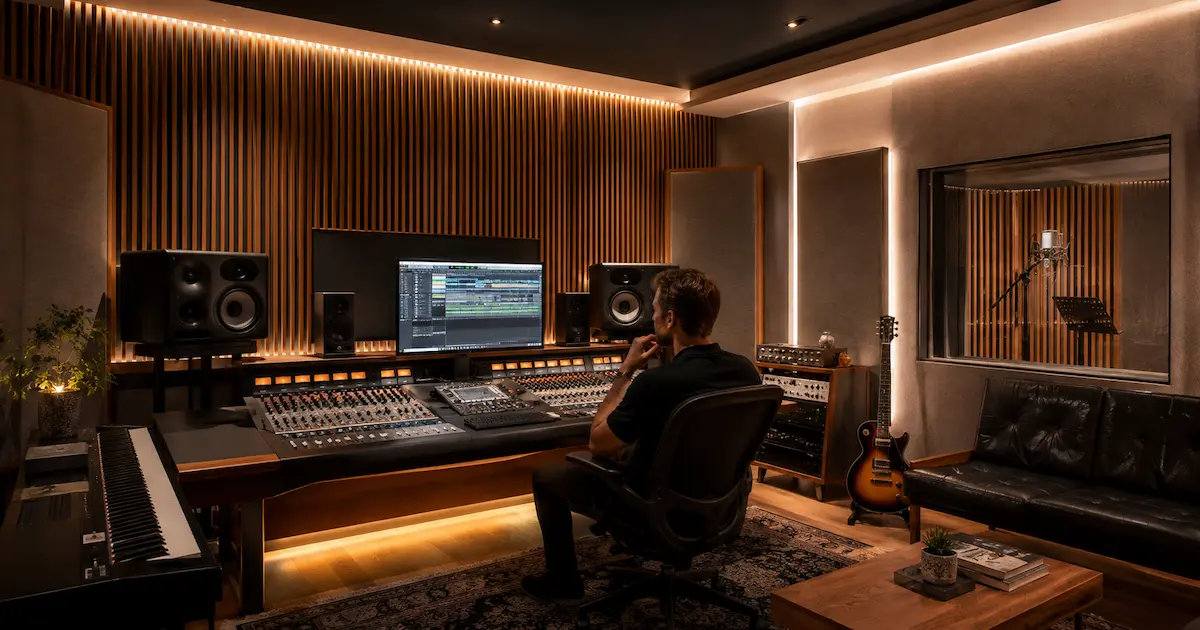
In our lab tests using integrating spheres, we compare CCT, lumen output, and color rendering before batch release. We explain this because a strip marked “warm white” may still vary from 2700K to 3200K if binning is loose. In a luxury studio lounge or video wall, that mismatch is visible.
A good specification for led strip lights for music studio use usually includes:
● CRI 90+ for camera-facing rooms.
● 3-step or 5-step MacAdam color tolerance for better consistency.
● Tunable white if the room shifts between recording, editing, and filming.
● RGBW instead of RGB only when white light quality matters.
Common Myth: Higher wattage always means better brightness. Reality: Lumen efficiency, LED bin, diffuser loss, and heat design decide real output. A 9.6W/m high-efficiency strip can outperform a hot, low-grade 14.4W/m strip after one year.
| CCT Range | Best Studio Use | Visual Effect | Recommended CRI |
|---|---|---|---|
| 2200K-2700K | Lounge, creative zone | Warm, intimate | 90+ |
| 3000K | Recording room | Warm but usable | 90+ |
| 3500K | Control desk | Balanced work tone | 90+ |
| 4000K | Equipment room | Clear technical light | 80+ or 90+ |
| Tunable white | Multi-use rooms | Flexible scenes | 90+ preferred |
3. Should you choose 12V, 24V, or constant current strips?
Voltage choice affects cable length, voltage drop, driver count, and installation labor. For most professional music studio projects, a24V LED strip is a safer default than 12V because it handles longer runs with less voltage drop.
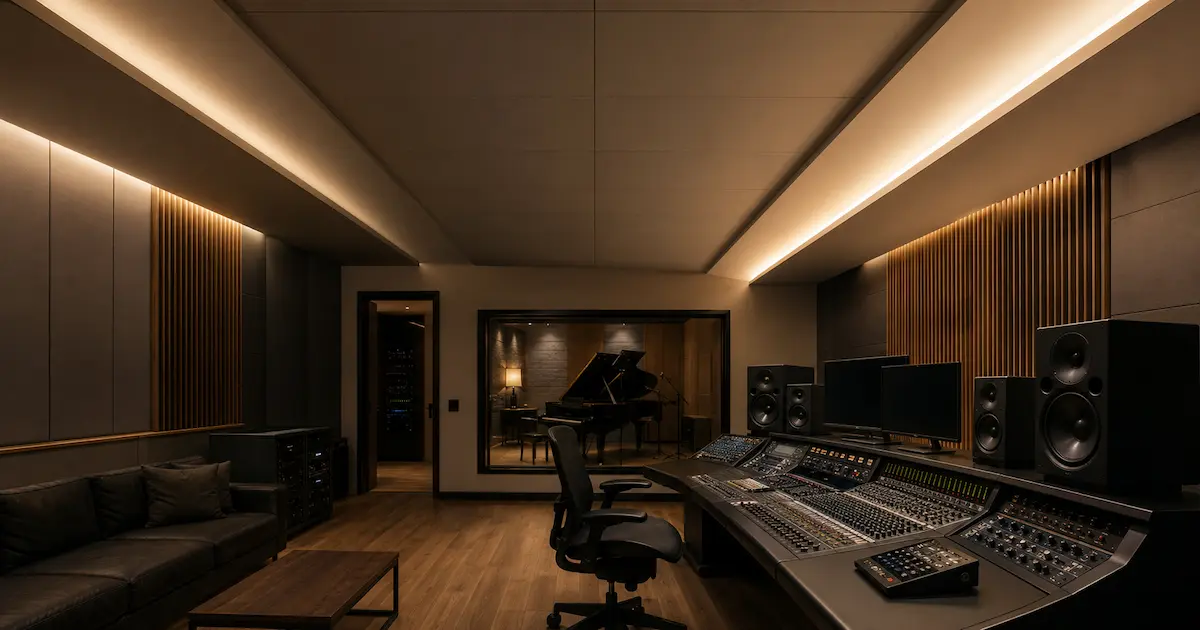
When we tested this against a standard 12V strip, the far end of a long run lost brightness sooner than the 24V version under the same power load. In a studio ceiling cove, that can create one bright corner and one dull corner. The client may call it a “bad LED strip,” but the real cause is wiring voltage loss.
Use 12V for short furniture sections, small rack lights, and compact custom assemblies. Use 24V for coves, perimeter lighting, and medium-length runs. Consider constant current systems when you need very uniform brightness across engineered architectural lines.
| Option | Best Fit | Strength | Limitation |
|---|---|---|---|
| 12V strip | Short shelves, small signs | Easy to source | Higher voltage drop on long runs |
| 24V strip | Studio coves, desk edges | Better for longer runs | Needs matching driver |
| Constant current | Premium linear runs | Stable output | More planning needed |
| 48V strip | Long architectural runs | Lower current | Fewer accessory choices |
Pro Tip from VST Technical Team: “For any run over 5 meters, calculate voltage drop before ordering. Feed power from both ends or split the circuit if brightness uniformity matters.”
4. How do dimming and flicker affect recording and video work?
Dimming quality is a serious detail in studios because LED flicker and temporal light modulation can create visible flicker, camera banding, and other unwanted visual effects. Audio teams are sensitive to noise, and video teams will quickly notice rolling bands during filming.
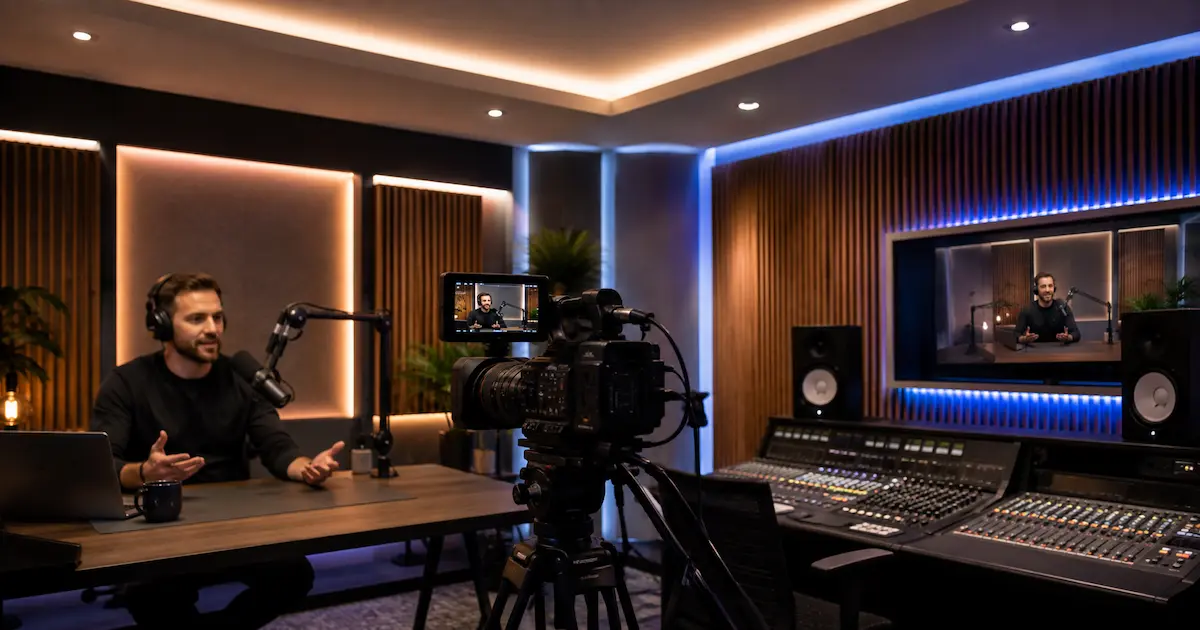
But here’s the catch: a strip can be good, while the driver or dimmer ruins the result. PWM frequency, driver design, grounding, and load matching all matter. For camera-facing spaces, flicker-free LED strip lighting with high-frequency PWM or compatible constant-voltage drivers is the better choice.
We often see installers struggle with mixed dimming protocols. A wall dimmer may be TRIAC, the control system may use 0-10V, and the LED controller may require PWM. If these parts are mismatched, you get strobing, uneven dimming, or dead zones at low brightness.
| Dimming Method | Studio Fit | Notes | Common Risk |
|---|---|---|---|
| PWM controller | RGB/RGBW scenes | Check frequency rating | Camera banding at low frequency |
| 0-10V dimming | Commercial rooms | Stable for white light | Needs correct driver |
| DALI | Larger studios | Good for zoned control | Higher setup cost |
| TRIAC | Retrofit projects | Simple wall control | Buzz or poor low-end dimming |
| DMX512 | Stage and media rooms | Strong scene control | Requires skilled programming |
For music rooms, test dimming at 10%, 50%, and 100% before closing ceilings or profiles.
5. What LED strip type is best: SMD, COB, RGBW, or tunable white?
Different LED strip structures solve different problems. SMD strips are cost-effective and widely used. COB LED strips provide a continuous light line with fewer visible dots. RGBW LED strips create colored scenes while retaining a real white channel. Tunable white strips shift from warm to cool for changing work modes.
For led strip lights for music studio projects, COB is often the best choice where the strip is visible or close to reflective surfaces. SMD works well inside deep aluminum profiles with milky diffusers. RGBW works well in podcast backgrounds, artist rooms, DJ booths, and acoustic wall features.
Three field examples make it clear:
● A drum room with glossy black panels showed LED dots until the installer changed to COB.
● A podcast wall used RGB only, but skin tones looked poor. RGBW fixed the white scene.
● A mastering room used tunable white so engineers could work at 3500K and switch to 2700K during client listening sessions.
| Strip Type | Best Use | Visual Result | Installer Note |
|---|---|---|---|
| SMD 2835 | General white light | Bright, efficient | Use diffuser to reduce dots |
| COB | Visible linear details | Smooth line | Good for close-view areas |
| RGB | Accent color | Saturated colors | Weak white quality |
| RGBW | Accent plus usable white | Better scenes | Needs 5-core wiring |
| CCT/Tunable white | Work and mood control | Warm-to-cool range | Needs CCT controller |
6. How do aluminum profiles and heat control extend service life?
LED strips dislike heat. Studios often use acoustic foam, wood slats, fabric walls, and closed coves. These surfaces may look premium, but they reduce airflow. Understanding why LED strips need aluminium profiles is important in studios because without proper heat dissipation, heat builds up around the LED chips and PCB.
From our manufacturing floor perspective, heat is one of the most common reasons a strip loses brightness early. We use thermal imaging cameras to check strip temperature under different mounting conditions. A strip mounted on bare wood runs hotter than the same strip mounted in aluminum channel.
Aluminum profiles help in four ways:
● They move heat away from LED chips.
● They protect the strip from dust and touch damage.
● They support clean, straight lines.
● A properly selected aluminum LED channel and diffuser also helps reduce glare and visible LED dotting while supporting heat dissipation.
For studio contractors, this matters to margin. A low-cost install without profiles may save money on day one, but a callback to replace failed strips behind acoustic panels can erase profit.
| Profile Style | Best Studio Location | Benefit | Design Note |
|---|---|---|---|
| Surface profile | Desk, shelves, rack edges | Fast mounting | Easy service access |
| Recessed profile | Walls, ceilings | Clean built-in look | Needs accurate routing |
| Corner profile | Room corners | Soft indirect light | Good for booths |
| Pendant linear profile | Control rooms | Functional task light | Check glare angle |
| Deep profile | Dot-free SMD effect | Better diffusion | More depth required |
7. How should power supplies be selected for quiet studio lighting?
Learning how to power LED strips for video production lighting correctly is especially important in studios, because the power supply can make or break the installation. Poor-quality drivers may hum, heat up, flicker, or introduce electrical noise. In audio spaces, even a small buzz can become a client complaint.
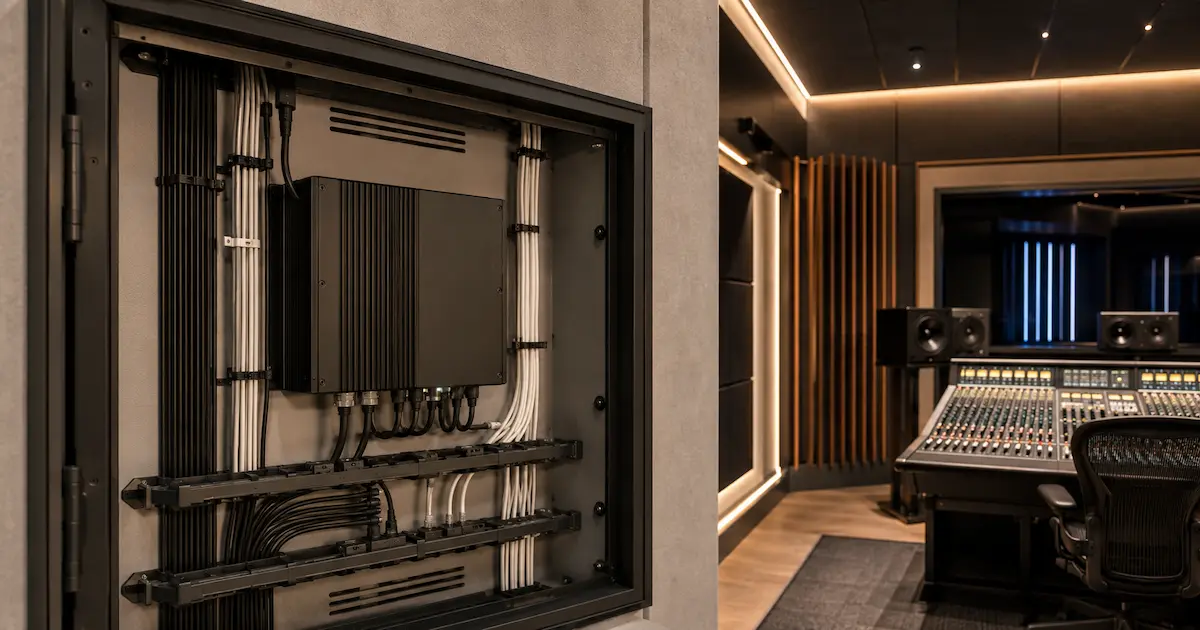
Choose drivers with enough power headroom. A practical rule is to run the driver at about 80% of rated load. For example, if the LED load is 80W, use a 100W driver. This reduces heat and supports longer life.
Check these parameters before ordering:
● Input voltage range for the target country.
● Request appropriate lighting safety testing and certification such as UL, CB, or other market-specific documentation where required.
● Power factor for commercial projects.
● Dimming compatibility with the selected controller.
● Fanless design for silence.
In one field case, a control room had perfect LED strips but noisy open-frame drivers mounted near audio cables. Moving to enclosed, fanless, certified drivers and separating low-voltage LED lines from signal cables solved the issue.
| Driver Parameter | Recommended Value | Why It Matters |
|---|---|---|
| Load capacity | LED load ÷ 0.8 | Reduces heat stress |
| Output voltage | Match strip voltage | Prevents failure |
| Dimming type | Match controller | Avoids flicker |
| Housing | Fanless enclosed | Keeps studio quiet |
| Certification | CE/UL/CB/RoHS as needed | Supports local compliance |
8. What installation plan reduces callbacks and project delays?
Good installation planning protects both the contractor and the studio owner. Most problems come from rushed measurement, weak cable sizing, poor connectors, and no test stage before final fixing.
We often see installers struggle with pre-soldering on site, especially in small booths where access is tight. Factory pre-soldered leads, labeled zones, and cut-to-length strips can save hours. For multi-room studios, that can reduce labor cost and keep the project schedule under control.
Use this practical checklist before final mounting:
| Installation Checkpoint | Action | Pass Criteria |
|---|---|---|
| Measure actual run length | Confirm on site | Length matches drawing |
| Calculate total wattage | W/m × meters | Driver has 20% headroom |
| Check voltage drop | Long runs tested | No visible end dimming |
| Test dimming | 10%, 50%, 100% | No flicker or buzz |
| Inspect polarity | Mark + and – | No reverse wiring |
| Mount profile | Clean surface, firm fix | Strip sits flat |
| Burn-in test | Run before handover | Stable after several hours |
Do not rely on adhesive alone in warm or dusty studio spaces. Use profiles, clips, or mechanical fixing. Adhesive failure behind acoustic panels is hard to service later.
9. Which controls and scene zoning suit professional studios?
Studio lighting works best when it is divided into zones. A single switch for the whole room feels cheap and limits workflow. Separate zones allow engineers, artists, and camera operators to set the room for each task.
A practical layout may include:
● Zone 1: Console task lighting.
● Zone 2: Ceiling cove lighting.
● Zone 3: Wall accent strips.
● Zone 4: Vocal booth lighting.
● Zone 5: Camera background lighting.
For small studios, a wall controller and RF remote may be enough. For larger rooms, systems such as DALI lighting control can provide more flexible scene, group, and individual-device management. However, avoid consumer-grade controllers if the client expects daily professional use and long operating hours.
Scene examples:
● Recording mode: 2700K warm low light, booth at 40%.
● Mixing mode: 3500K desk light at 70%, accents low.
● Video mode: RGBW wall color, flicker-safe white key zones.
● Maintenance mode: full neutral white for cleaning and service.
This matters because good zoning reduces user frustration. It also helps distributors sell a complete lighting package instead of loose components with no system plan.
10. What specifications should buyers request from a supplier?
Before purchasing led strip lights for music studio jobs, request clear technical data. Do not accept only “high brightness” or “premium quality” claims. Ask for numbers, photos, test data, and matching accessories.
A professional request should include:
● LED type and LED quantity per meter.
● Voltage, wattage per meter, and lumen per meter.
● CRI, CCT range, and color tolerance.
● PCB width and copper weight.
● IP rating if the room has humid areas.
● Driver model, dimming protocol, and certificates.
● Recommended profile and diffuser.
● Cut length and soldering options.
● Aging test and packaging method.
In our lab tests using integrating spheres, we record measured lumen and CCT data rather than relying only on nominal values. On aging racks, we run samples to catch early defects before shipment. That kind of verification matters because one inconsistent batch can damage your reputation with installers and studio clients.
For custom studio furniture, ask for pre-cut strips, soldered leads, connectors, labels, and wiring diagrams. Small details reduce site labor and lower the chance of wiring mistakes.
Conclusion
LED strip lights for music studio projects need more than attractive colors. Specify voltage, CRI, dimming, drivers, heat dissipation, profiles, and wiring with the same care used for audio equipment. The best result is quiet, stable, comfortable, and serviceable. If you’re unsure about voltage drop, dimming protocol, or strip selection for a project, send our engineering team your room layout. We’ll review the details manually and suggest a practical configuration.
FAQ
Q1: What are led strip lights for music studio rooms?
They are flexible linear LED lighting products used for coves, desks, acoustic walls, booths, shelves, and background scenes in recording or production spaces. For studio use, the strip should be dimmable, color-stable, low-noise, and matched with a suitable driver and control system.
Q2: Are 12V or 24V LED strips better for a music studio?
24V is usually better for longer perimeter runs because it reduces voltage drop and keeps brightness more uniform. 12V can still work well for short furniture lighting, rack lighting, and small custom sections.
Q3: Do LED strip lights cause audio interference?
They can if the driver, dimmer, grounding, or cable routing is poor. Use quality fanless drivers, separate LED wiring from audio signal cables, and test the system at different dimming levels before final handover.
Q4: Which color temperature is best for recording rooms?
Warm white from 2700K to 3000K works well for relaxed recording spaces. Control rooms often benefit from 3500K to 4000K near work surfaces. Tunable white is a good choice when one room serves many tasks.
Q5: Should I use RGB or RGBW strips in a studio?
Use RGBW if the room needs both color effects and usable white light. RGB-only strips create color scenes but often produce poor white tones, which can look weak on camera and less natural in work areas.
